
Capture the site properly
Select the adjustment type in the mobile app. Record the relevant fields, GPS points, site references and prompted photos, with the details kept against the same plan.
Keep the survey, mapped location, photos and work details in one plan. Give your office the evidence to review a network adjustment and produce a complete A55 PDF pack.
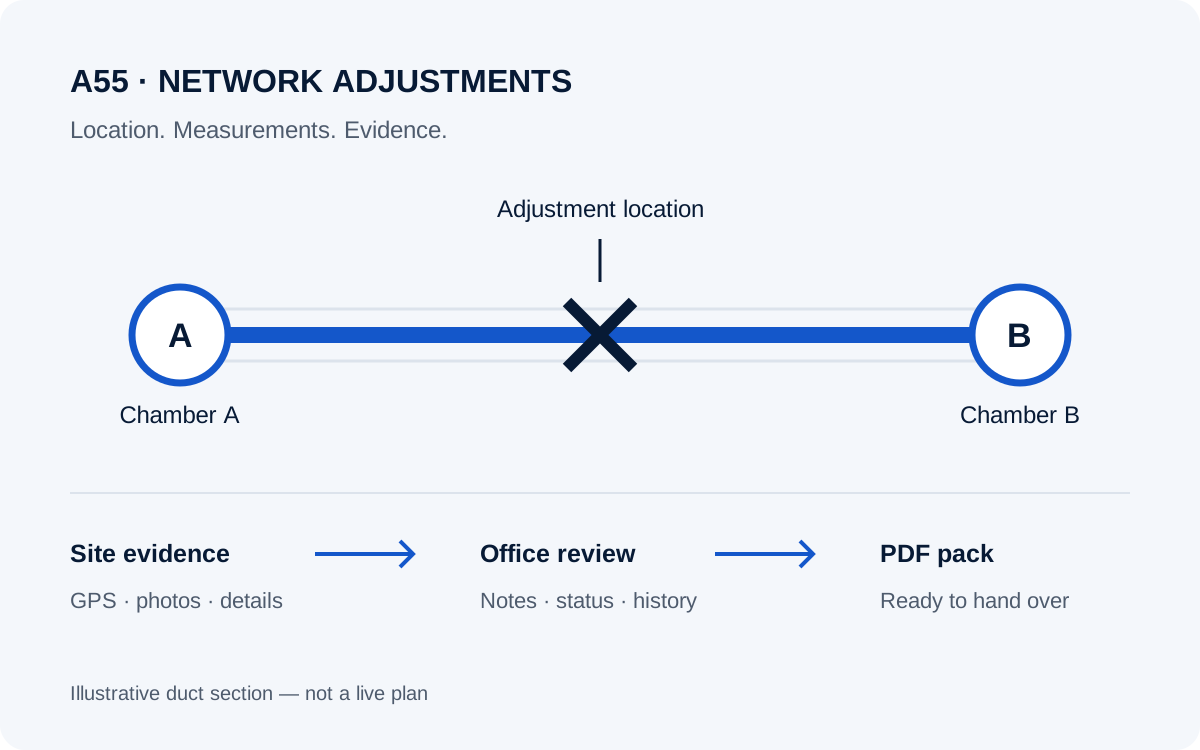
For fibre and telecoms contractors coordinating network adjustment work, a useful plan needs the location, the evidence and the work details together.
Select the adjustment type in the mobile app. Record the relevant fields, GPS points, site references and prompted photos, with the details kept against the same plan.
View mapped points and photos together. Duct blockage plans include section measurements and a duct schematic, making the captured detail easier to review.
Link the adjustment to a project or job, add office notes and follow its activity history. Generate the PDF pack from the plan when you need to share it.
Structured fields and photo prompts support the different information each type of adjustment needs.
See what has been submitted, reviewed, put in progress, completed or returned for rework. Keep the office conversation and supporting detail with the record.
Project and job links help the adjustment stay connected to the work it belongs to. Notes and activity history give reviewers the context behind each change.
Generated from the plan, ready for your handover process.
It connects mobile capture of A55 network adjustment plans with office review, mapped evidence, photos and PDF output inside Vikings Workforce.
Yes. Plans can be linked to projects and jobs, with their notes, status and activity history kept together.
No. The software organises your captured evidence and produces the pack. Your team still needs to check the plan against the receiving client’s requirements and approval process.
Request a demo to discuss your adjustment types, office review process and handover requirements.
Talk us through your network adjustments and the evidence your team needs to hand over.