
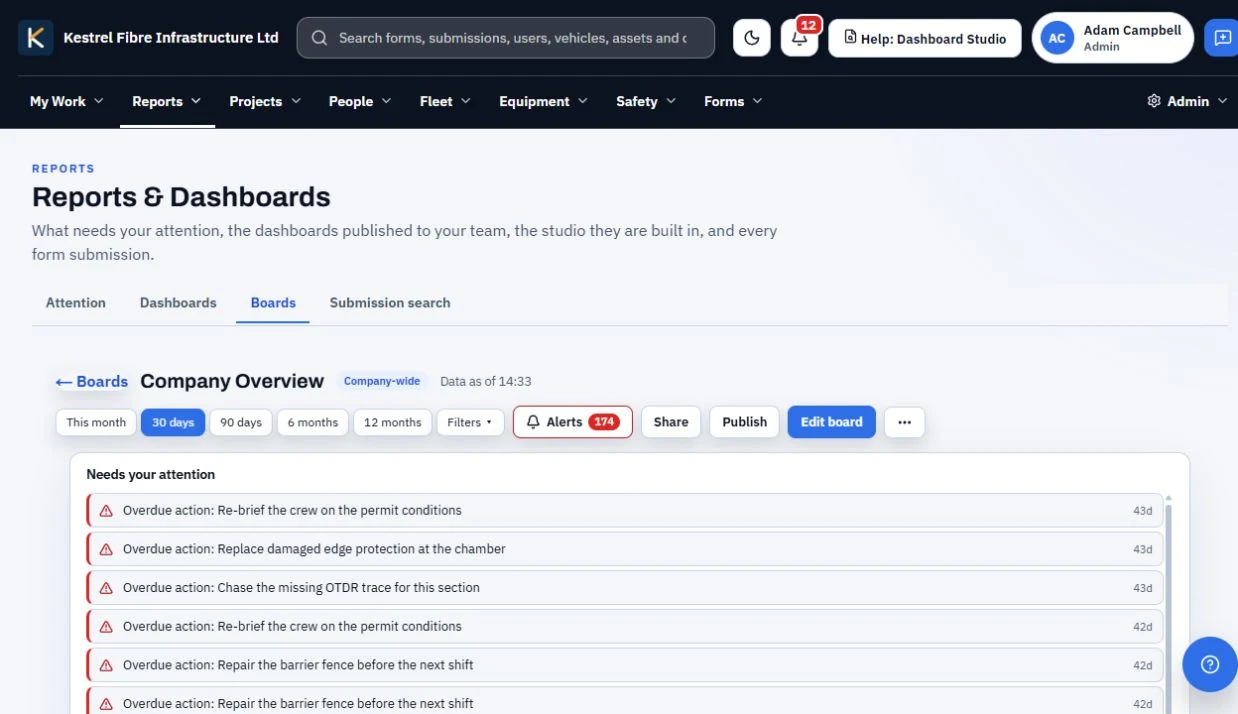
Published board
A finished board brings the selected view together.
Review the priorities that need attention.
Use a finished, published Dashboard Studio board, submission search with CSV export, and scheduled forms. Reports generate themselves from source submissions.
Three reporting moments
Three moments that turn captured evidence into a management view.
A finished board brings the selected view together.
Review the priorities that need attention.

Find the source submissions you need.
CSV export carries those records onward.

Forms follow the schedule set for the work.
Their submissions feed the reporting record.
What management gets
In practice
A management view is only useful if you can get from the number back to the submission behind it.
A published board brings the selected view together for the people who need it, without handing them the whole platform. What they see is a finished output rather than a report someone rebuilt by hand each month.
Submission search finds the underlying records and exports them as CSV, so an auditor question can be answered with the original evidence rather than a summary of it.
Scheduled forms keep submissions arriving on the rhythm the work follows, so reporting generates from source evidence instead of going stale between manual updates.
Keep reporting connected
Review your reporting need